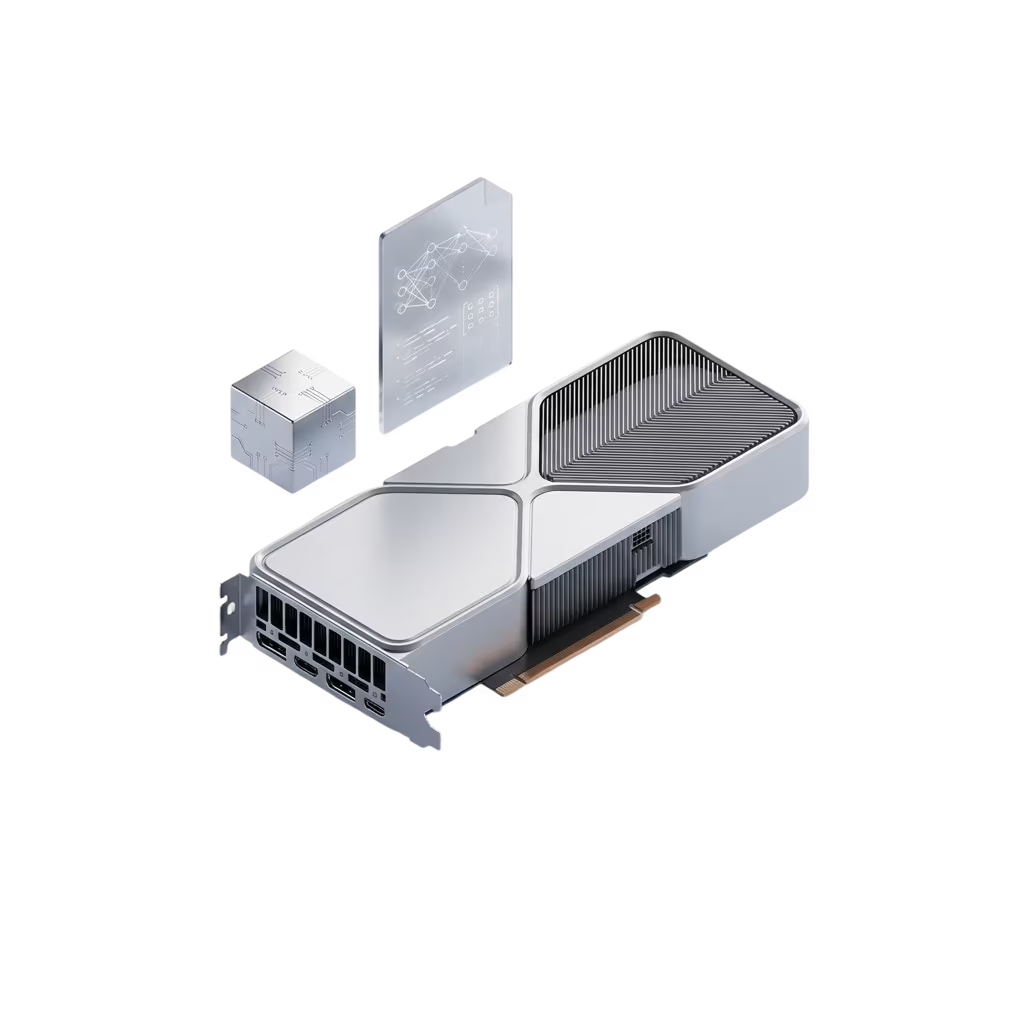
GPUs have long outgrown gaming and video editing. In 2026, a graphics accelerator is a baseline tool for AI inference, model fine-tuning, rendering, video processing, large-scale data analytics, and dozens of other tasks where the CPU is either tens of times slower or simply can't handle the load. Let's break down when you really need a GPU server instead of a regular dedicated, and which of our four cards (Nvidia L4, RTX A4000, RTX 4000, P4000) fits your scenario.
Why a GPU and not «just a powerful CPU»
A modern CPU has dozens of cores tuned for sequential logic. A GPU has thousands of simple compute units (CUDA cores) that perform the same operation across a large data array in parallel. For matrix multiplication, convolutional neural networks, shaders, and ray tracing, that means tens to hundreds of times the speed.
An extra bonus is the dedicated hardware blocks on modern GPUs: NVENC/NVDEC for video, Tensor Cores for AI inference, RT Cores for ray tracing. They don't compete with the CUDA cores — they complement them and make specific tasks even faster.
What we have
GPU | Chip | CUDA / Tensor | Memory | TDP | Best for |
|---|---|---|---|---|---|
Nvidia L4 | AD104 (Ada) | 7 680 / 240 | 24 GB GDDR6 | 72 W | AI inference, video, efficiency |
RTX A4000 | GA104 (Ampere) | 6 144 / 192 | 16 GB GDDR6 | 140 W | All-rounder: AI, render, video |
RTX 4000 | TU106 (Turing) | 2 304 / 288 | 8 GB GDDR6 | 160 W | Workstation, light AI, editing |
P4000 | GP104 (Pascal) | 1 792 / — | 8 GB GDDR5 | 105 W | Transcoding, basic rendering |
All of them live in our data centers in Ukraine and the EU, mounted in dedicated servers alongside Xeon platforms and NVMe. Details and pricing — at gmhost.ua/uk/solutions/gpu-servers.
6 scenarios: what people actually buy these for
1. AI inference and local LLMs
The hottest topic of 2026: companies have stopped routing all their traffic through OpenAI/Anthropic APIs and are running Llama 3.3, Qwen3, Mistral, DeepSeek, and other models in-house. The reasons are privacy, predictable costs, and latency.
What handles it:
- L4 (24 GB) — the top pick for inference. 24 GB lets you run Llama 3 70B in int4 or 13B in fp16. With Tensor Cores and the Ada architecture, you get a steady 60-80 tok/sec on 13B models. The 72 W TDP keeps electricity bills low and heat output minimal.
- A4000 (16 GB) — solid for 7B-13B quantized models, Whisper transcription, and embedding models (BGE, E5).
- RTX 4000/P4000 (8 GB) — only for small models up to 7B int4 or for embeddings. Memory is the main bottleneck.
2. Fine-tuning and continued training
If you're building a custom chatbot, a RAG system, or a specialized assistant, you don't need to train from scratch — but fine-tuning on your own data is a required part of the pipeline.
What handles it:
- A4000 — the best balance. LoRA fine-tuning of models up to 7B in bf16 fits comfortably in 16 GB. A single A4000 runs Llama 3 8B LoRA on a 50k-example dataset in about a day.
- L4 — also works, especially for larger models thanks to the 24 GB. Slightly slower than A4000 on pure fp16, but better on int8/int4.
- RTX 4000/P4000 — fine-tuning isn't for these, inference only.
3. 3D rendering (Blender, Cinema 4D, Maya)
The classic GPU workload. The choice is simple here — more CUDA cores and more memory, faster the render.
What handles it:
- A4000 (16 GB) — the standard for 3D studios. Big scenes with 8K textures fit in memory; Cycles/OptiX delivers a 5-10× speed-up over CPU.
- RTX 4000 (8 GB) — fits medium scenes, motion design, and architectural visualization.
- P4000 — old, but still working. Without RT Cores Cycles is slower, but for simple scenes — it's fine.
4. Video transcoding and live streaming
NVENC and NVDEC are dedicated encode/decode blocks on the GPU that take all the heavy lifting for H.264, H.265, and AV1. The CPU is barely involved.
What handles it:
- P4000 / RTX 4000 — the best price-performance. NVENC on these cards holds 5-8 simultaneous H.264 1080p60 streams without quality loss. A great fit for small streaming platforms, OBS servers, and video surveillance systems.
- A4000 — supports AV1 encoding (Ampere+), which is a separate value for newer platforms.
- L4 — top tier for mass transcoding: a record-setting performance/watt balance on NVENC. A single L4 can handle 100+ concurrent H.264 720p streams — enterprise live-streaming territory.
5. Stable Diffusion and image/video generation
ComfyUI, Automatic1111, Forge, SDNext — any image or video generation framework hits the wall on GPU memory and bandwidth.
What handles it:
- A4000 (16 GB) — a comfortable choice for SD 1.5, SDXL, Flux quantized. One SDXL frame — about 10 seconds.
- L4 (24 GB) — for heavy Flux models in full precision, video models like WAN 2.1, batch generation for content agencies.
- RTX 4000 (8 GB) — only SD 1.5 + LoRA, with limited batch sizes.
6. VDI / cloud workstations (NVIDIA vGPU)
A team of designers and editors working remotely, using Adobe Premiere/After Effects/DaVinci Resolve over RDP without any local hardware. At GMhost we set these up on A4000/RTX 4000 — vGPU gives you 2-4 full-featured workstations from a single GPU.
How to pick a GPU for your task
A simple rule:
- Budget, light rendering, or video transcoding → P4000 or RTX 4000
- Universal AI + render + video → A4000
- AI inference on medium-to-large models, performance per watt → L4
- Don't know where to start → start with A4000. Moving up to L4 or down later is easier than skipping several tiers at once.
If your workload calls for several GPUs in parallel (multi-GPU training, mass transcoding), a dedicated server can host up to 4 cards. For heavy AI you can stand up 2× L4 and get 48 GB of combined memory.
How to order
Two options: take a ready-made configuration from the price list at gmhost.ua/uk/solutions/gpu-servers or, if you need a non-standard setup (a custom CPU+GPU+RAM+disks combo for your scenario), drop us a line at [email protected] or in the bot @gmhost_support_bot. We'll spec it for your task in a day, get it into the data center and have it running in 24-48 hours.